Screenshots

See it before you try it.

Marketing Emailer Professional, captured from the program with sample data. Select a picture to see it full size, then use the arrows, your keyboard or a swipe to move between them.

Campaigns
CampaignsEach campaign with its schedule and progress, and the delivery report underneath: every recipient, the result and the account it went through.
Before you send
Before you sendThe confirmation names the numbers: who it goes to, who is left out, and the state of your sending domain.
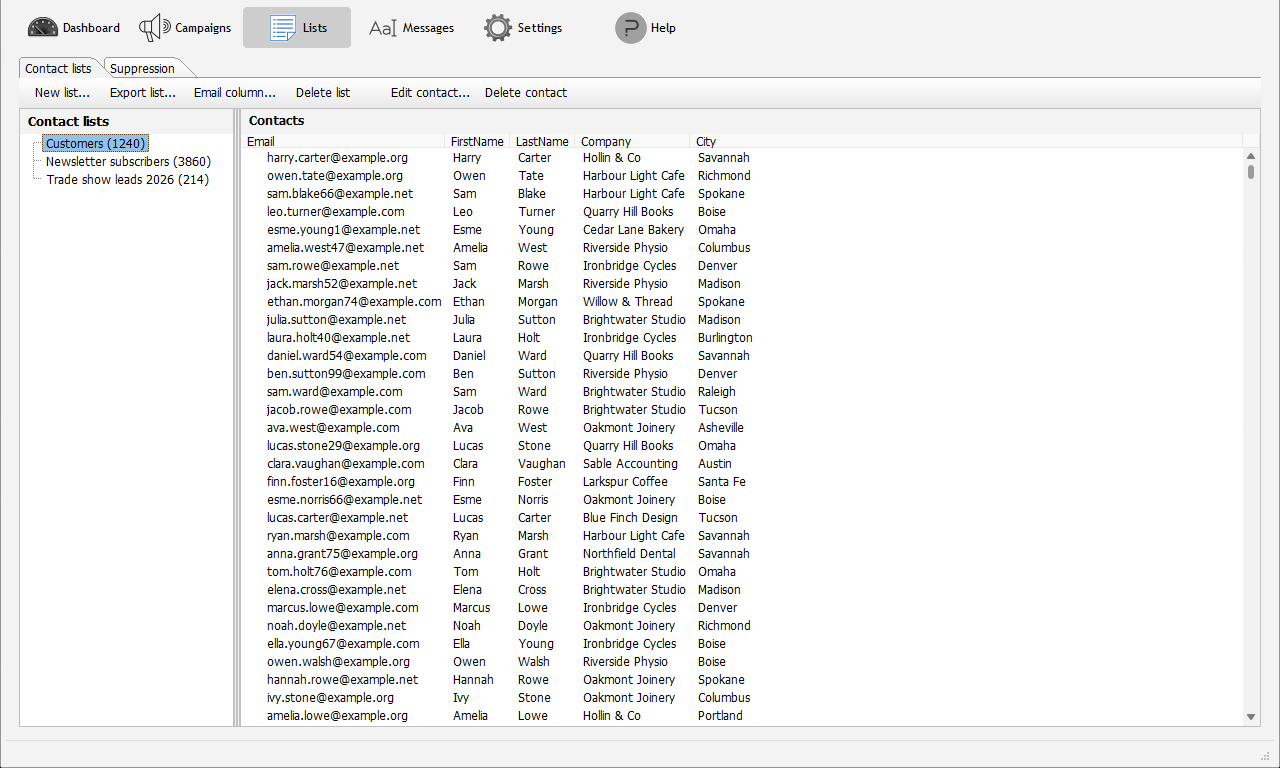
Contact lists
Contact listsYour lists and their contacts, with any columns your data has.
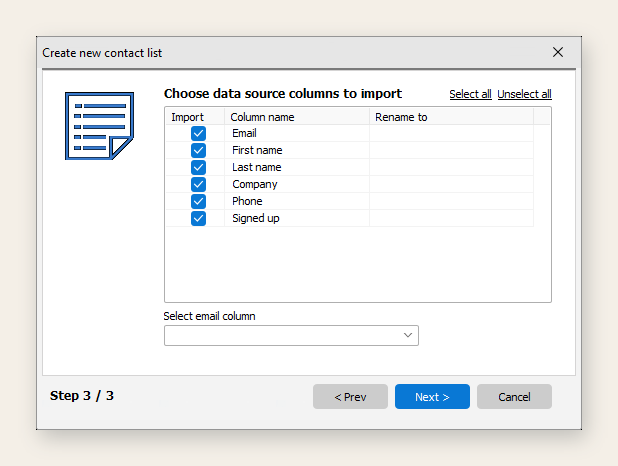
Importing a list
Importing a listFrom CSV, Excel, Access or ODBC, choosing and renaming the columns.
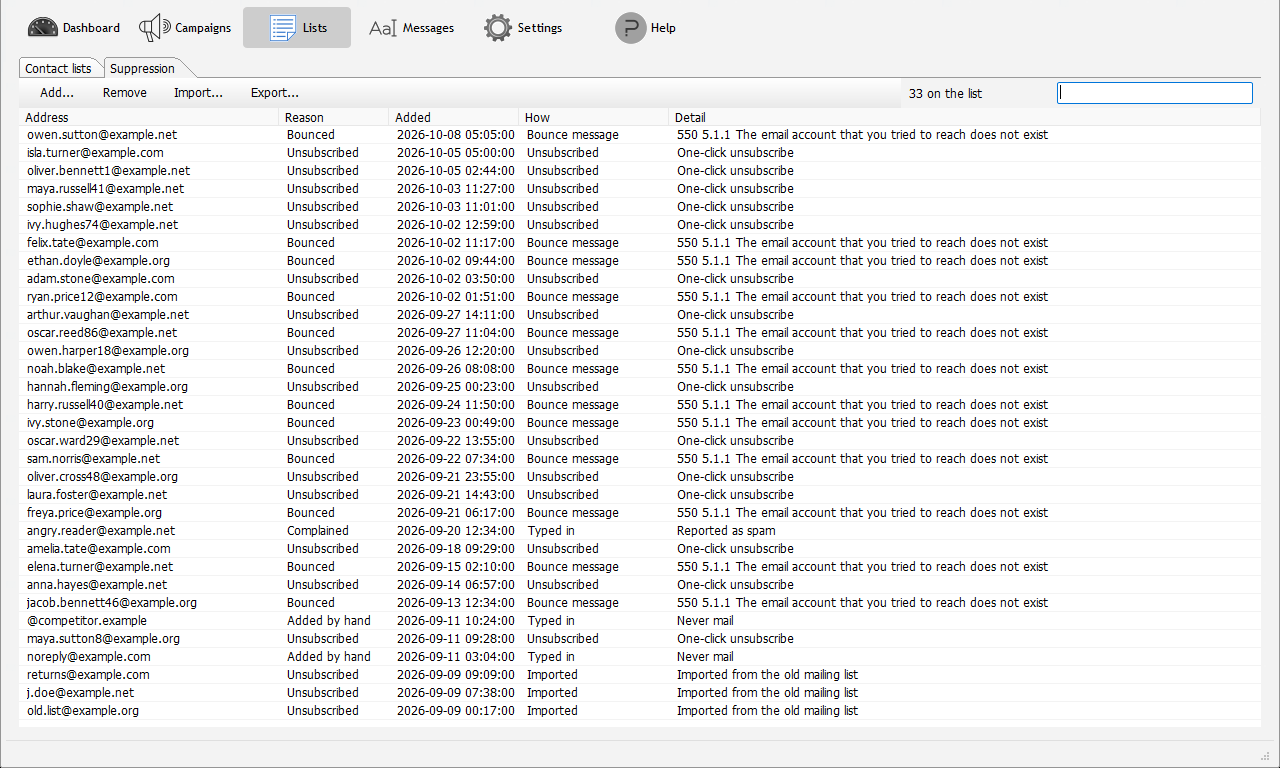
Suppression list
Suppression listUnsubscribes, bounces and anyone you never want to mail, with the reason and when.
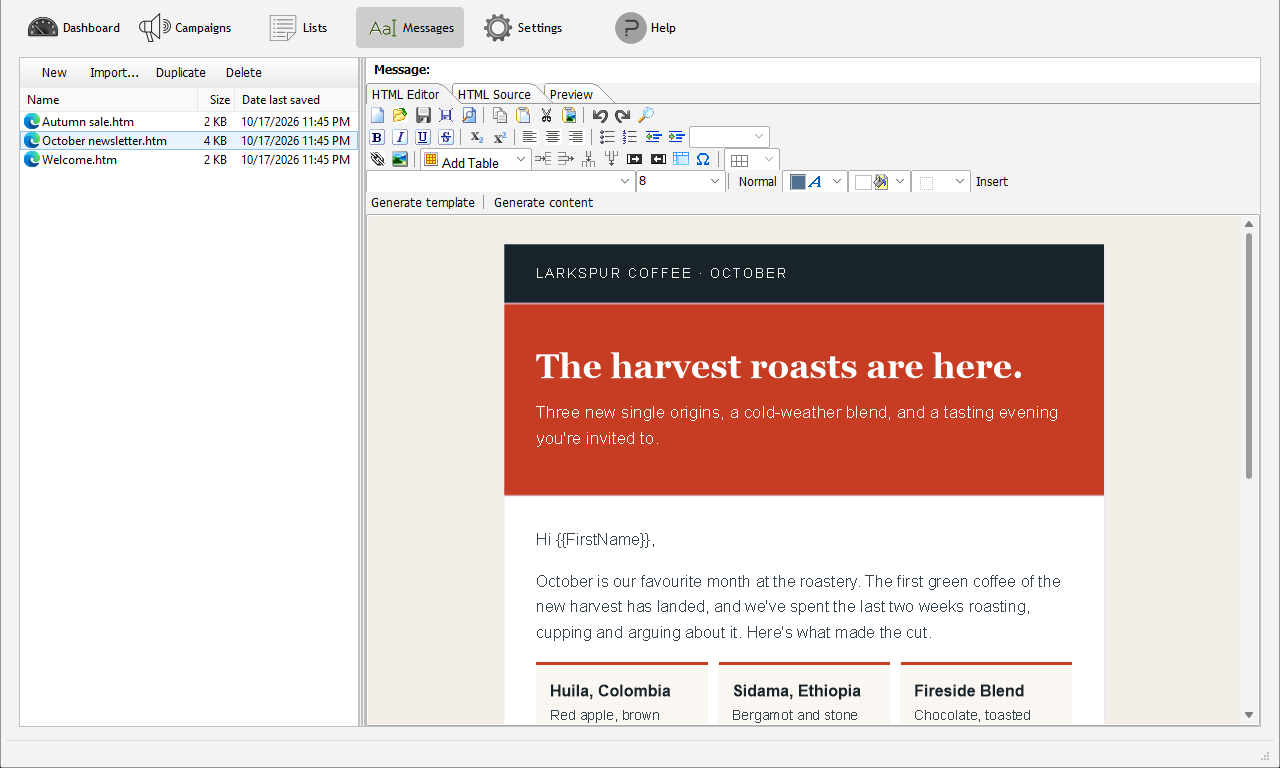
The message editor
The message editorVisual editing, HTML source and preview, with merge tags from your lists.
AI writing
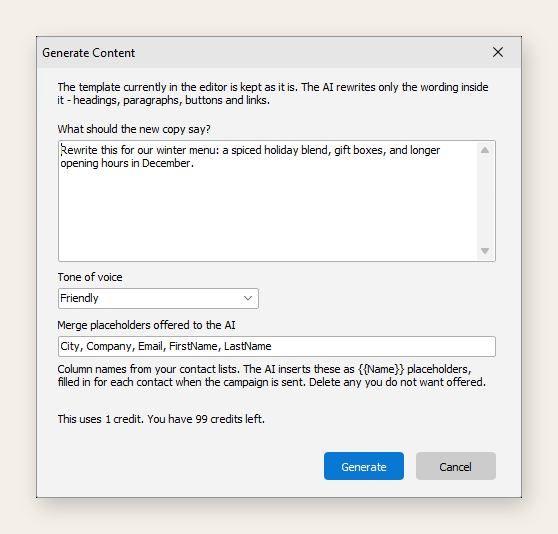
AI writingDescribe the email and choose a tone; the AI designs a template or rewrites the words, and says what it costs first.
AI credits
AI creditsThe license's balance and where to buy more. No AI account to open, no key to enter.
Sending accounts
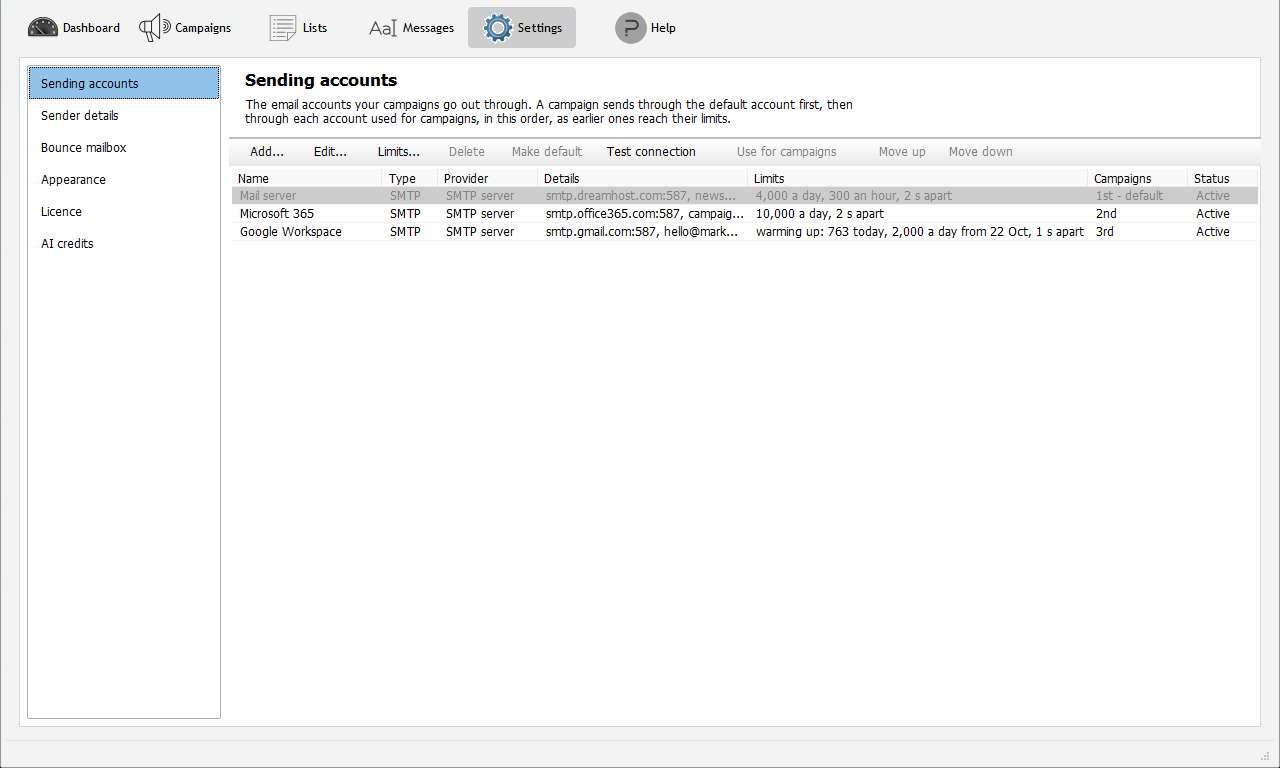
Sending accountsYour accounts in sending order, with limits and warm-up for each.
Domain check
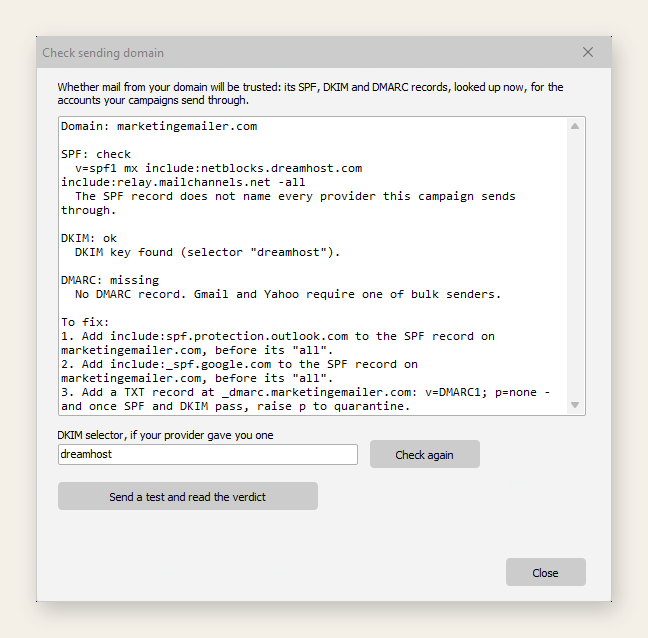
Domain checkSPF, DKIM and DMARC for your sending domain, with the records to publish.
Scheduling
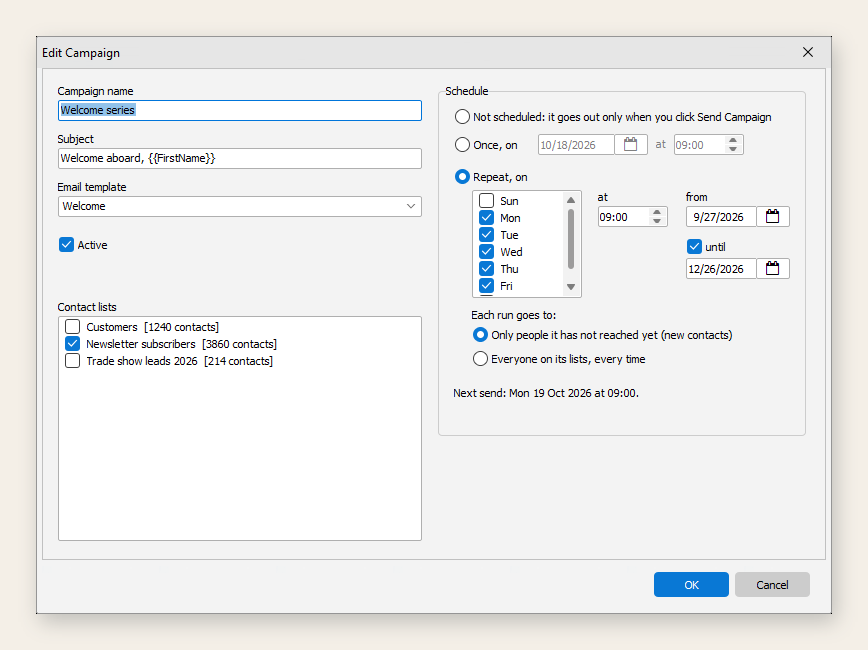
SchedulingOnce or on chosen days, to new contacts only or to everyone.